
OPEN SOURCE DEEP DIVE
baoyu-design: Run Claude Design Inside Local Coding Agents
An independent Agent Skills bundle that brings Claude Design-style HTML workflows, local editors, design systems, decks, canvases, and traceable dashboards to coding agents.
A local design workflow, not a hosted clone
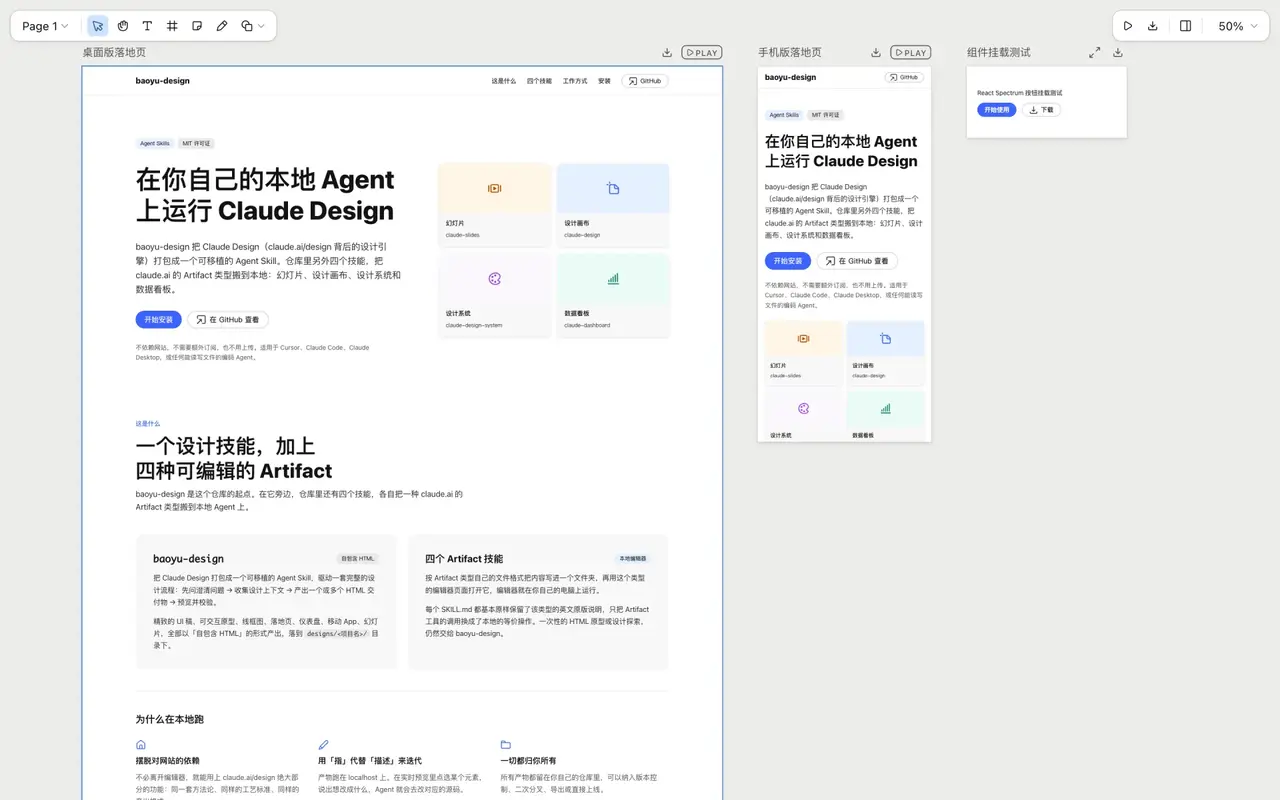
baoyu-design is a portable set of Agent Skills for turning a coding agent into a design collaborator. It works with Cursor, Claude Code, Codex, Claude Desktop, or any comparable harness that can read and write files, run local commands, and inspect a browser preview. The promise is practical rather than cloud-shaped: ask for a design in the editor you already use, receive editable project files, serve them on localhost, then revise by pointing at what appears in the rendered result.
The repository repackages the design methodology behind Anthropic's Claude Design so it can run on a user's own machine. It is an independent community project, not an Anthropic product or an endorsed distribution of claude.ai/design. That distinction matters because the local version must replace hosted Artifact tools with files, command-line helpers, and harness-specific browser capabilities. It ships under the MIT license and currently centers on five skills: one for self-contained HTML design work and four for editable slides, canvases, design systems, and data-backed dashboards.
Start with context, then route the artifact
The main entry point loads a long design methodology before it starts making pages. It then selects a harness reference that explains how this particular agent should ask questions, preview pages, take screenshots, debug rendering, and verify the result. Only after that does it load the workflow for the requested output type. A landing page, wireframe, interactive prototype, slide deck, mobile flow, report, animation, HTML email, chart, or 3D object does not follow the same production path merely because each can end up in a browser.
For a new brief, the agent is expected to establish context and constraints first. It needs to know whether the user has a product codebase, UI kit, Figma export, brand rules, screenshots, or no reference material at all. It also asks where the project should live and which available design system should govern it. If the brief is ambiguous, it should ask instead of filling every uncertainty with decorative invention. The resulting work lands under designs/<project>/ and is previewed over HTTP, which keeps assets, relative links, and multi-file prototypes in a realistic browser environment.
This loop is the central improvement over a one-shot image or HTML dump. A screenshot can show a proposed screen, but it cannot expose focus states, responsive behavior, image loading, or a live interaction bug. Because the deliverable is ordinary local HTML, the agent can inspect the same surface as the user, identify a specific element, change its source, and reload. The review conversation stays attached to the artifact rather than becoming a series of disconnected prompts.
Five skills with deliberately different file contracts
baoyu-design handles the broadest category: visual deliverables represented as self-contained HTML. That includes UI mockups, interactive prototypes, landing pages, mobile screens, print-oriented documents, animations, decks, charts, diagrams, and other browser-renderable artifacts. It also carries the design-system authoring and import workflows, the built-in project-type guides, and the starter components used to avoid rebuilding common shells from scratch.
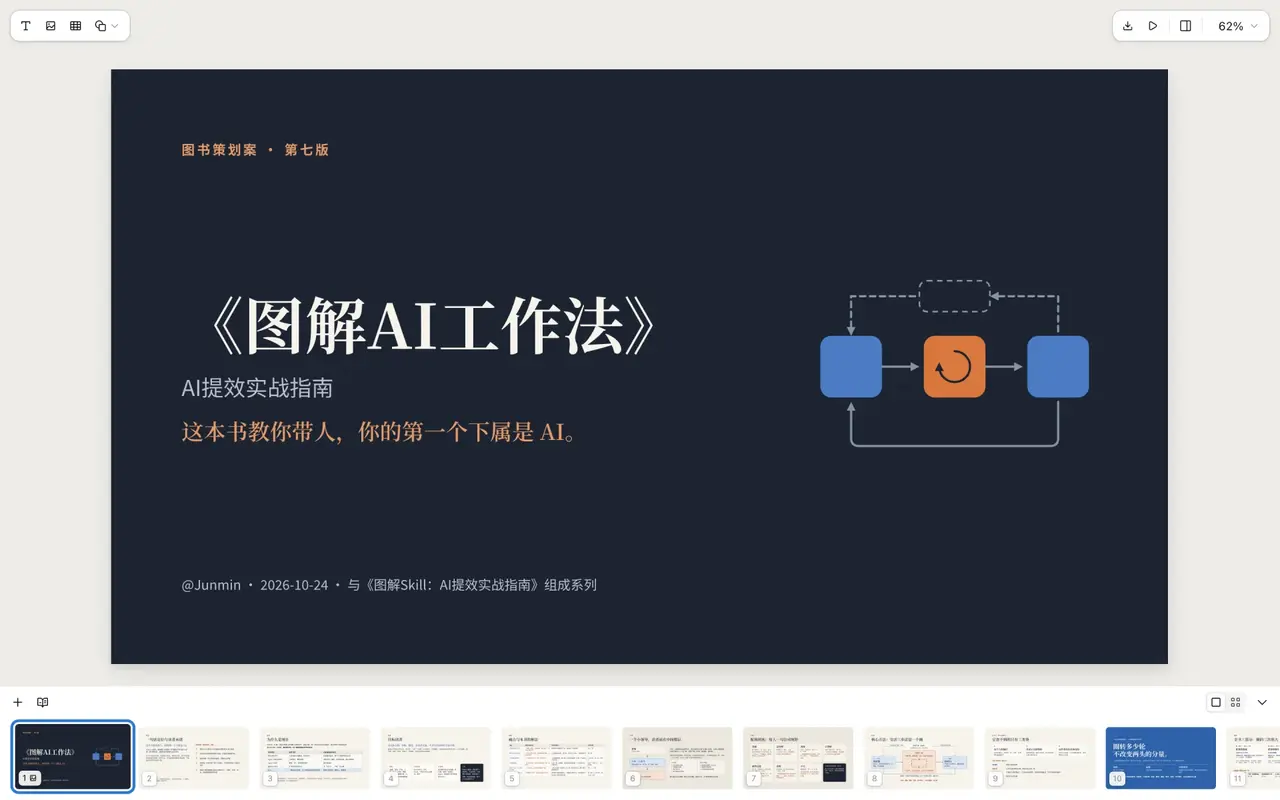
The other four skills are more specific because their formats support richer round trips. claude-slides stores a deck as project/deck.json plus one HTML file per slide. Its editor can present the deck, retype text, drag objects, and insert images, tables, or shapes. claude-design stores a canvas as canvas.json and a collection of .dc.html Design Components. Artboards can be compared side by side, played as prototypes, annotated, and exported as a site, PDF, or PNG set.
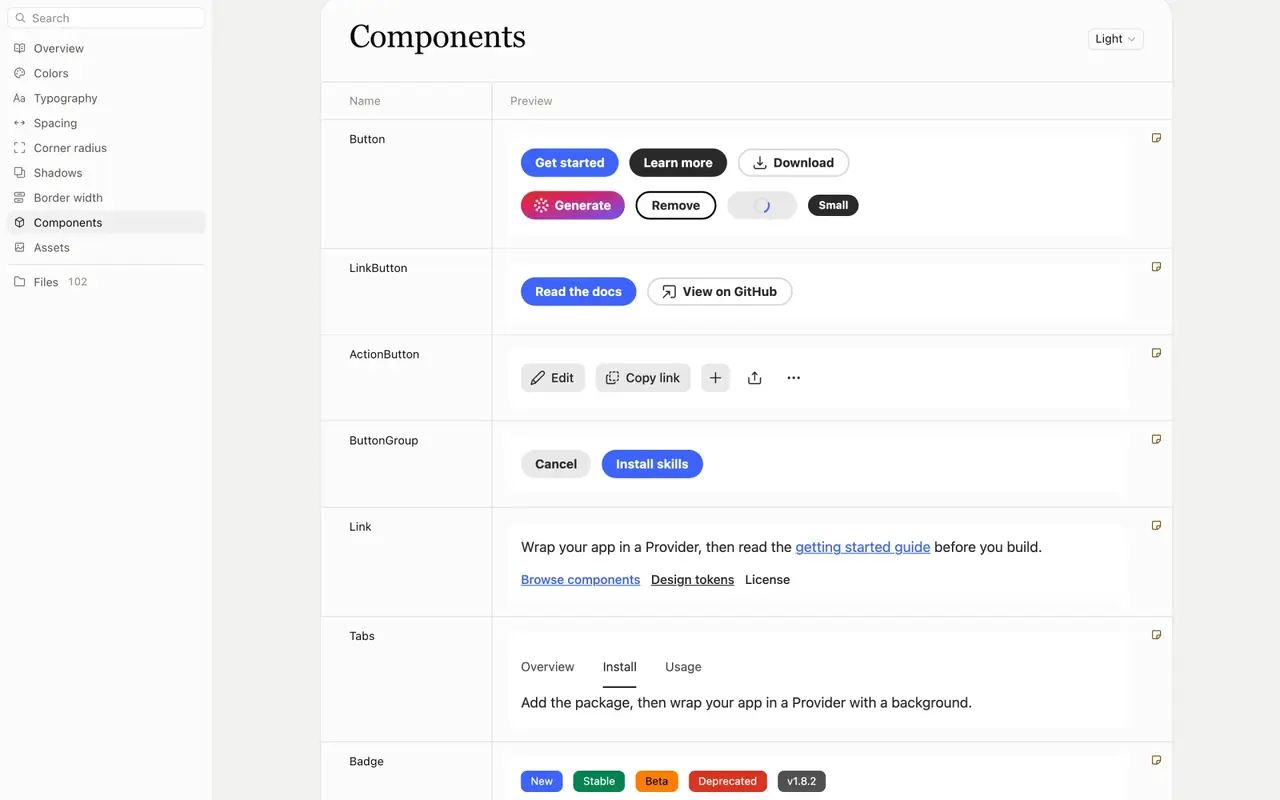
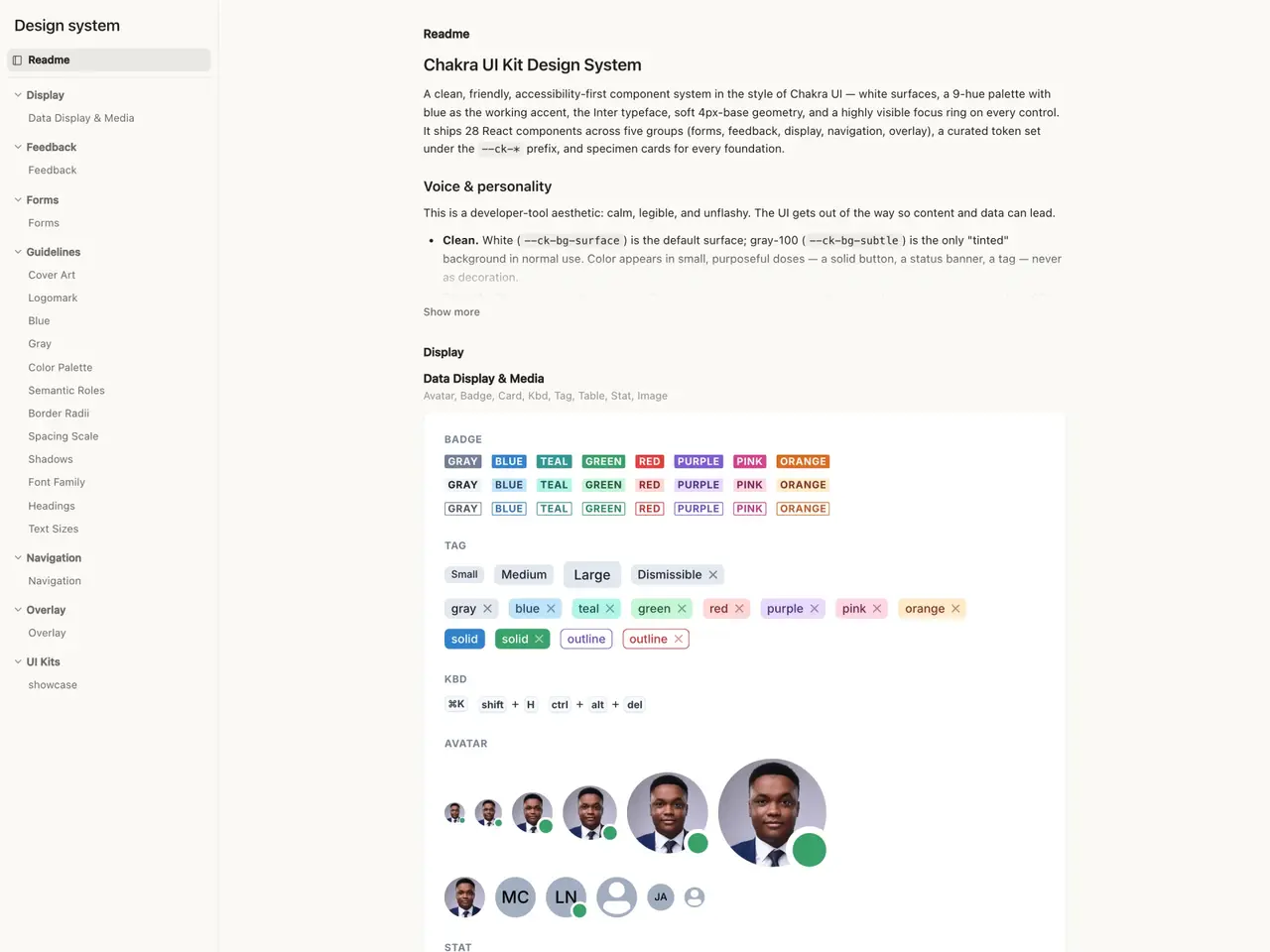
claude-design-system turns a visual language into a consumable bundle. It records tokens, a brand README, component previews, fonts, and asset groups. Libraries can be imported with live, interactive previews of their exported components; the skill may install a published package with lifecycle scripts disabled and bundle only the components needed by the local viewer. Slides and canvases can install the resulting system so their theme and color menus use the same vocabulary as the design project.
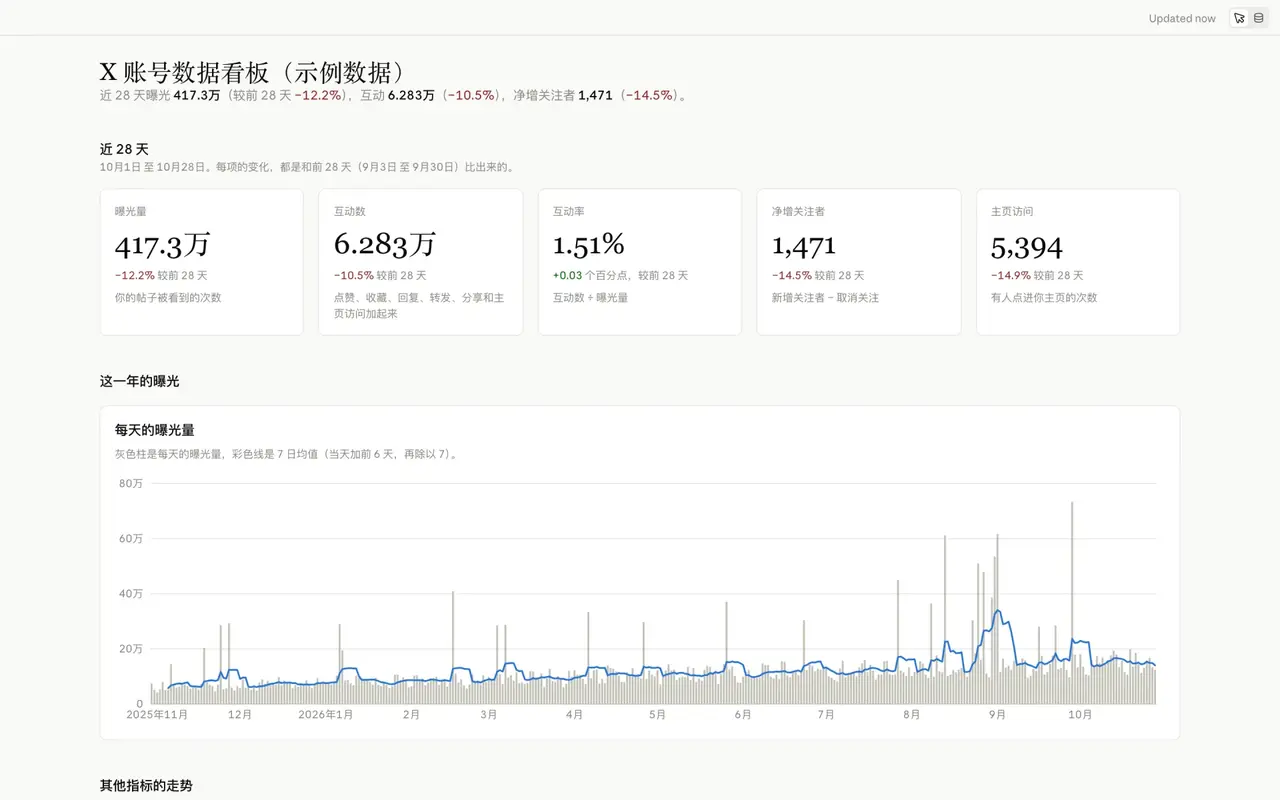
claude-dashboard is intentionally narrower than a BI platform. A dashboard consists of attached CSV, TSV, or JSON files and a page whose charts, metrics, and tables are computed from them. Marking displayed values against datasets lets the Sources panel show the exact rows or calculation behind a number. There are no live database connectors in the local version, so refreshing data means supplying a newer file, not pretending that a stale attachment is a streaming source.
The file tree is the collaboration protocol
What unites the four Artifact skills is a shared editing contract. The agent writes project files; the bundled local editor watches those files and refreshes immediately. When a person edits copy, moves an element, changes a theme, or adjusts a data view, the editor writes the change back to the same source. This allows turns to alternate naturally between human and agent without exporting and re-importing a package on every pass.
Each skill exposes a local artifact.mjs command for opening, checking, uploading assets, or listing installed design systems. The editors are prebuilt and run from the user's machine. The runtime requirements are modest but real: Node.js 20 or newer for slides and canvases, Node.js 22 or newer for dashboards, and Python 3 is useful for the main HTML preview flow. The agent still needs a capable model, a shell, file access, and some way to inspect the rendered page. A repository URL and a prompt are enough only when the surrounding harness can supply those tools.
Design systems are binding constraints
The design-system implementation is more rigorous than collecting a few hex values and font names. When a project selects a system, the import flow syncs a self-contained, version-pinned copy into _ds/<slug>/, wires its CSS and component bundle into the page, and records the relationship in _d_meta.json. Reopening the project does not require the user to remember the choice: the agent reads the metadata, reloads the system's prompt, and treats its tokens and component rules as a visual contract.
A project may import several systems, but one becomes primary and owns the overall look when tokens collide. Secondary systems contribute specific components or patterns. If a system includes starting points, the agent can seed a screen from one rather than beginning with an empty canvas. Systems can later be refreshed, added, reordered, or removed, but every change carries the obligation to revisit the pages that depended on them. This is what makes the result portable and reproducible rather than a snapshot of whatever styles happened to be in the conversation.
Real import sources, qualified export promises
For existing material, the project offers three import routes. A Figma .fig file can be decoded offline, including its pages, components, and variables, without an account, API token, or MCP server. A GitHub repository is inspected through gh api and selectively sparse-checked out into a scratch area, preserving the repository URL as provenance. Existing HTML and CSS are read as code: the agent extracts real custom properties and interaction states instead of reverse-engineering a screenshot by eye.
A Figma import can yield either selected React components or a complete design system. The full route groups components by meaning, emits token CSS, extracts SVG and PNG assets without redrawing them, and adds guideline cards and a brand README. The resulting system can be compiled into one interactive preview.html, which is useful because tokens, component states, and usage notes can be reviewed together on a machine that never contacted Figma.
Export is separated into formats with different fidelity promises. Standalone HTML and PDF preserve the browser-oriented design. MP4 export captures a timeline animation frame by frame. Send-to-Figma, Canva, and handoff flows produce working material for a later stage rather than claiming a lossless transfer. PowerPoint has two explicit modes: screenshot export flattens each slide into a pixel-accurate image, while editable export reconstructs native text, shapes, and images.
The editable PPTX path applies only to slide-structured decks made with this skill; it is not a general-purpose HTML-to-PowerPoint converter. The exporter launches Chromium through Playwright, serves the deck over HTTP, hides editor chrome, waits for fonts and images, serializes each live DOM subtree with computed geometry and styles, and translates the result into objects through PptxGenJS. Elements annotated with data-anim are mapped to native PowerPoint builds with click, with-previous, and after-previous timing. The result is editable and close to the web layout, but it remains a reconstruction: unusual CSS effects, browser-only behavior, and presentation-player differences still require review in the target application.
Security, maintenance, and honest limits
Recent releases tightened the boundary around imported design systems. Paths read or copied by the importer must stay inside the system and project; manifest entries, imports, or symlinks that escape those roots are skipped and reported. When a design system is generated from a published npm component library, installation uses --ignore-scripts so package lifecycle code does not run on the user's machine. These controls reduce an important class of accidental execution and path traversal risk, but they do not replace reviewing third-party repositories, dependency provenance, or the permissions granted to the coding agent.
The project also avoids several misleading claims. It says the best results depend on a strong model, preferably Claude Opus 5.5, because the skill is a demanding design brief rather than a deterministic compiler. It requires local runtimes that some agents may not have. Multi-file prototypes need an HTTP server, not a file:// page. Dashboards use attached files and do not provide live refresh or a database connector. Editable office exports approximate a browser rendering rather than guaranteeing a lossless visual match. Those limits are part of the design, and users should test the output in the environment where it will actually be consumed.
Who should use it
The strongest fit is a developer or product team already working inside a file-capable coding agent. Such a team can turn a written brief into a working page, use its real component library as a constraint, keep the result under version control, and ask the agent to revise the source after reviewing the rendered result. Design engineers get a particularly direct benefit because the artifact, the tests of visual behavior, and the implementation context remain close together.
It is less suitable for teams that need simultaneous multiplayer editing, centrally managed cloud assets, or a guaranteed pixel-identical bridge from browser CSS to every office format. baoyu-design is best understood as an opinionated local production system: methodology, artifact routing, editors, design-system bindings, imports, exports, and verification all converge on ordinary project files. Its most durable contribution is that chain of constraints, not a single prompt or a single generated page.
SOURCE LINKS