
OPEN SOURCE DEEP DIVE
Hallmark: Design Guardrails for Coding Agents
Hallmark gives coding agents a design workflow with real material, browser checks, and wiring-preserving redesigns.
Coding agents can now produce a working page in minutes, but a page that works is still not the same thing as a page that looks made. The familiar result has an oversized abstract headline, three identical feature cards, placeholders where evidence should be, and a newsletter form with nowhere to send anything. The cause is not only a model's taste. Most prompts describe a mood while leaving the hard constraints of product truth, visitor intent, responsive layout, and intact wiring implicit.
Hallmark is an attempt to add those constraints to the agent's workflow. Built by Together AI, it is a design skill for Claude Code, Codex, Cursor, and OpenCode. Installation is one command: npx skills add nutlope/hallmark -g. Once installed, it can guide a new page, build a custom direction from a prompt, or operate on an existing interface through redesign and audit commands.
A judgment layer, not a template catalog
Hallmark is easy to misread as forty-eight website templates. The repository does contain a large theme catalog, but a theme defines material qualities such as paper, type, color, surfaces, components, and texture. It does not prescribe the sections a page contains or the order in which they appear. The same theme applied to two jobs should still produce two different structures. Each theme file is at most about eight kilobytes, and a build reads exactly one, so choosing a theme settles the visual material rather than selecting a pre-composed page.
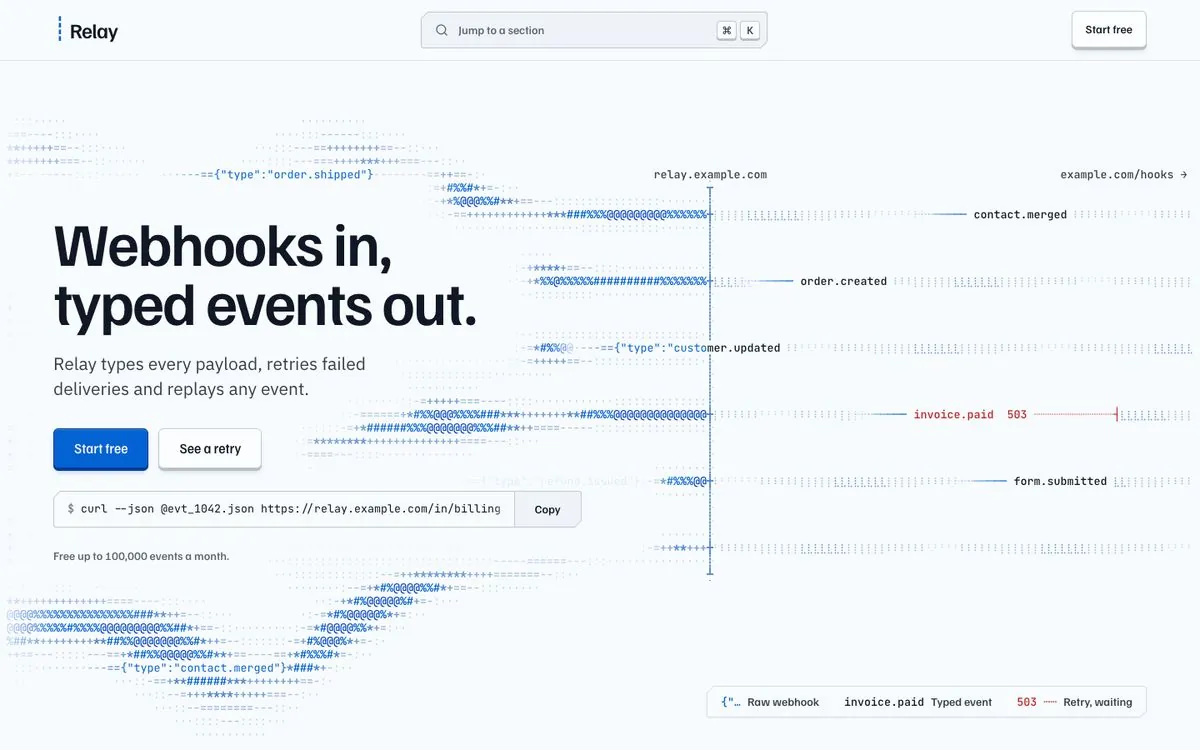
The process begins by reading the project before asking anything: existing type, palette, framework, and any locked design specification. It then asks once for material, audience, the action the page should drive, and tone. When screenshots, numbers, customer quotes, or brand permissions are missing, the agent has to list them as absent. It cannot fill the gap with invented proof. That ordering matters. Instead of drawing something that resembles a website, the agent first has to establish which facts the page is allowed to use.
Page structure is derived from the visitor's job. A booking page should book. A shop should sell. A newsletter page should subscribe. The primary action belongs where the category normally places it, and the page should end on that action rather than attaching a generic call to action to the bottom of every design. Hallmark calls this the page's job and uses composition, hero posture, navigation, and footer to support it.
How a build runs
The full sequence has eight broad steps. Pre-flight reads the project and records what must survive. A single question gathers material. The agent names the visitor's task and derives the page structure from it. A theme engine then offers three candidates, and the agent chooses the material that can carry the specific content rather than the one that looks most impressive in isolation.
The hero comes next, by itself. It is rendered and reviewed in a fresh context before the rest of the page exists. That reviewer asks whether the headline could belong only to this product, whether the first screen contains a complete proposition, and whether the signature visual is doing real work. The sections below the fold are built only after this first screen passes.
The agent then completes the page and records its decisions in a stamp at the top of the stylesheet. A static and browser-based sweep follows, then a final fresh-context review. The handoff identifies every replaceable asset slot, its intended size, and the material that would most improve the result. The point is not to make one model response longer. It is to force several design decisions to be stated and checked separately.
Three tiers of constraints
Hallmark divides its rules into Floor, Reflex, and Finish. The Floor is non-negotiable. It covers contrast, keyboard focus, reduced motion, phone layouts without horizontal overflow, a complete hero at a common laptop viewport, controls that work, content that remains visible without scripting, and no invented metrics, testimonials, logos, or case-study counts. Colors and fonts must come from declared tokens. Animation cannot drive width, height, or position. Unexplained nested cards, purple-to-blue gradients, and emoji used as icons are rejected.
Reflex gates target defaults that language models repeat: a tiny uppercase label above every heading, one colored word inside an otherwise plain headline, the same section spacing throughout, or the familiar sequence of hero, three feature cards, a call to action, and a footer. Those choices are not forbidden in every circumstance, but they need a page-specific reason and a visible waiver. An unexplained default cannot pass silently.
Finish checks cover craft details that are easy to miss at arm's length. A reviewer still has to answer every finding, but those findings do not block a release in the same way as the Floor. The distinction is important. Accessibility and factual honesty cannot be traded away for style. A model's habitual composition can be overruled when the evidence supports it. A craft suggestion should be considered and answered rather than ignored.
Checks in a real browser
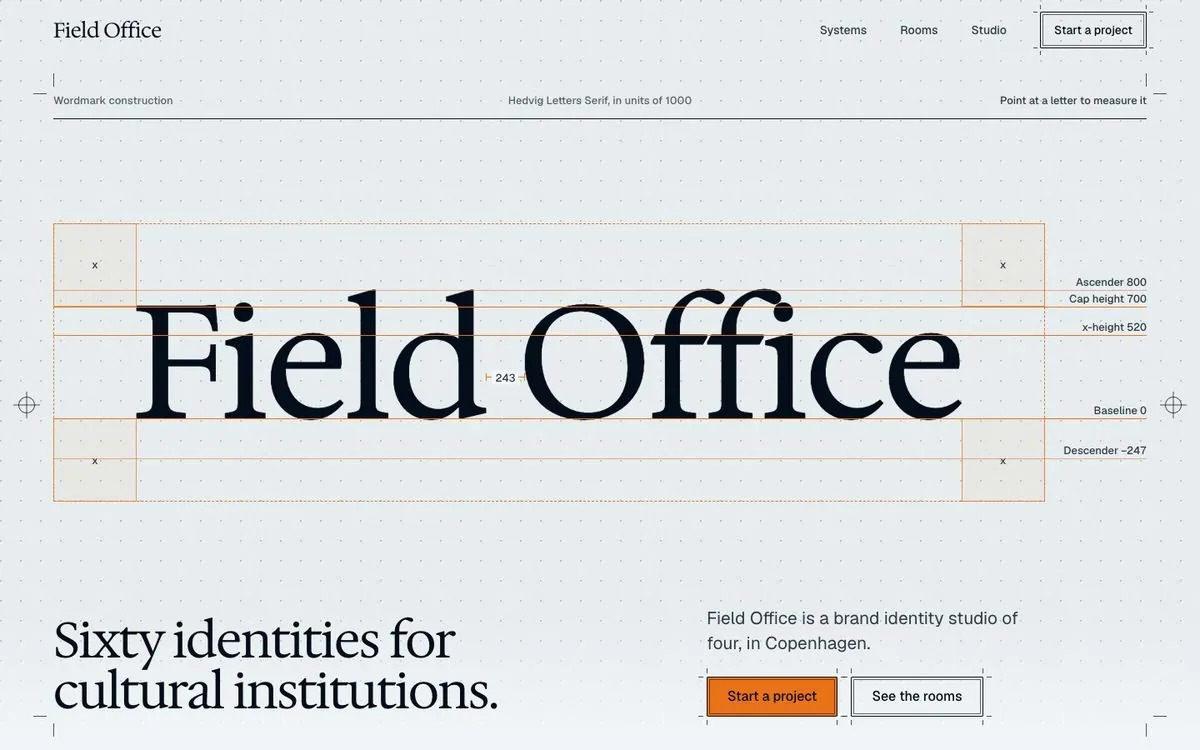
Source inspection cannot reliably tell whether a hero is complete, a headline breaks badly, a grid overflows, or a control disappears on a phone. Hallmark's sloplint therefore includes a rendered browser tier. It checks eight unique widths: 320, 375, 414, 768, 1024, 1280, 1440, and 1920 pixels. It also records first screens at 1280 by 800, 1440 by 900, and 1920 by 1080.
The browser pass measures computed layout and keeps screenshots. It can detect content crossing the fold, horizontal overflow, overly long prose measures, missing keyboard focus, an excessive word budget in one viewport, and awkward dead space beneath the hero. These checks require Node 18 or newer, Chrome, and puppeteer-core. Without a browser, static checks still run, but layout findings are incomplete. That dependency should be stated clearly when the skill is used in a constrained environment.
Redesigning without breaking the page
For an existing interface, /hallmark redesign <path> treats content and wiring as the assets that must survive. Facts, names, prices, dates, and explanatory copy cannot disappear merely because the visual system changes. Links, form fields, event handlers, test hooks, and selectors used by scripts must remain connected. The agent may replace the visual system and composition, but it cannot quietly remove an identifier that still matters to the application.
sloplint --before records the page before work starts, including links, fields, handlers, headings, figures, and script dependencies. sloplint --kept compares the redesigned result against that record. A missing link, form field, handler, test hook, or script target becomes a failure. This separates visual plausible from operational intact. A convincing screenshot is not a successful redesign if a form no longer submits or a test can no longer find its control.
The audit form, /hallmark audit <path>, reports findings without changing files. That boundary is useful for teams with an established design system. The skill can inspect an interface and explain what reads as generated, while the owner decides whether a redesign is appropriate.
Photographs, material, and factual limits
When a page needs real photography, Hallmark does not pull image URLs from Unsplash, Pexels, or Pixabay. Its library contains 755 photos hosted on Wikimedia Commons, each under CC0, public domain, CC BY, or CC BY-SA. The agent selects by subject, role, tone, and composition, then credits every image on the page. The repository stores source metadata such as dimensions, creator, license, and subject rather than bundling the image files themselves.
A photograph also cannot stand in for a fact. A person cannot imply a customer testimonial. A city cannot imply an office that does not exist. A screenshot should not be replaced by a hand-built interface when the real product is reachable. If the product runs at a URL, on a development server, or from a local project, Hallmark asks the agent to capture the real screen. A built product example is reserved for something that does not yet exist or cannot be reached.
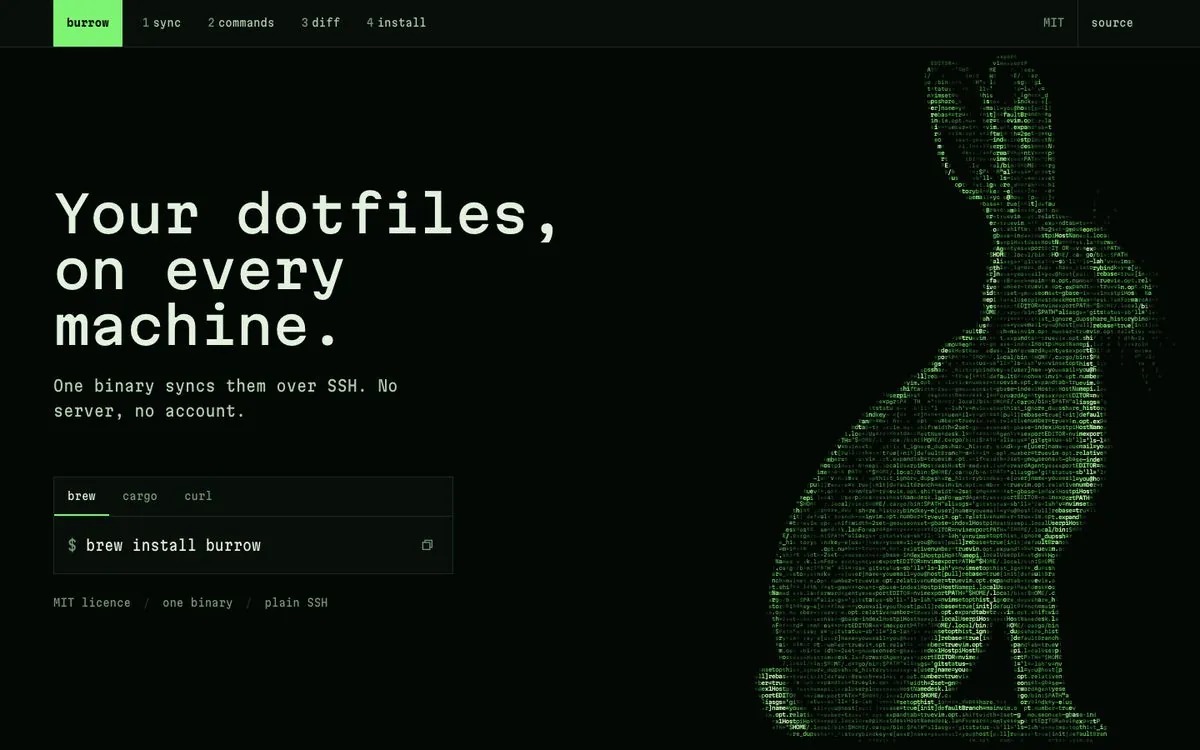
These rules do not prove that every result has taste, but they constrain the failures that are easiest to identify. The repository also contains an internal evaluation directory used by the author to compare model outputs. It is not an independently published, reproducible benchmark. Hallmark should therefore not be described as beating another model by a specific percentage. The inspectable claims are the workflow, rules, scripts, and produced examples, not an external performance score that does not exist.
Where it fits
Hallmark is most useful as a design protocol for a coding agent. It fits product landing pages, event pages, explanatory sites, and interface work where the content exists but the visual system is inconsistent. It is also relevant when a redesign has to preserve forms, links, and event wiring, or when a team wants requirements such as no invented numbers, no phone overflow, and a complete first screen to become checks rather than reminders.
It does not replace product definition, real material, or human brand judgment. If there is no audience, no product capture, and no credible evidence, constraints can stop the agent from filling the page with fiction, but they cannot make missing information appear. Nor do gates and cold reviews mathematically guarantee studio-level design. They create a repeatable quality process around a result that still has to be judged.
A team evaluating Hallmark should inspect the repository, skill instructions, and photo licenses, then test it on one low-risk page. Start with an audit against real content and the existing system. Only then decide whether to let the agent perform a full redesign. The code is MIT licensed, but the photographs retain their individual licenses. The repository's MIT license does not relicense every image in the library.
The important contribution is not a larger menu of decorative options. Hallmark turns design into a set of questions that can be checked: who must complete what, which facts actually exist, which material fits the subject, which model habits need evidence before they remain, and whether the existing interface still works after its appearance changes. For coding agents, those constraints are closer to an executable design brief than another request for something modern, clean, and premium.