AGENT SKILL
Docs & SlidesGorden PPT Skill: 21 Chinese Templates and a Non-Destructive Contract for Real .pptx Decks
GordenSun/GordenPPTSkill
GordenSun Gorden PPT Skill (v1.0.20, 3,748 stars) turns "make me a deck" into a reviewable pipeline: 21 built-in Chinese templates each ship intro.md and detail.json, the agent selects slides by page_roles and writes edits.json, and build_pptx.py replaces run text only, never position, size or color; overflow checks warn without blocking, ellipsis truncation is banned by rule, and same-level titles must keep their type_scale size; user-supplied templates are rendered and probed on the spot, original layouts are only a fallback; manifest.json plus updates.json give the skill software-style incremental self-update. Code is MIT; templates carry a separate non-commercial NOTICE.
Editor's takeA rare PPT skill that writes taste as decidable clauses: soft capacity, banned ellipses, consistent type scale, all aimed at real agent failure modes.
Gorden PPT Skill (GordenSun/GordenPPTSkill, v1.0.20, 3,748 stars) is an agent skill for generating and editing PowerPoint decks: 21 built-in Chinese templates plus a non-destructive, text-only editing contract that turns "make me a deck" from freeform improvisation into a reviewable pipeline. The code is MIT licensed; the templates carry a separate non-commercial notice (see the last section). Its center of gravity is not copywriting but turning layout, capacity and type hierarchy, things usually guarded by taste, into structured clauses an agent must obey.
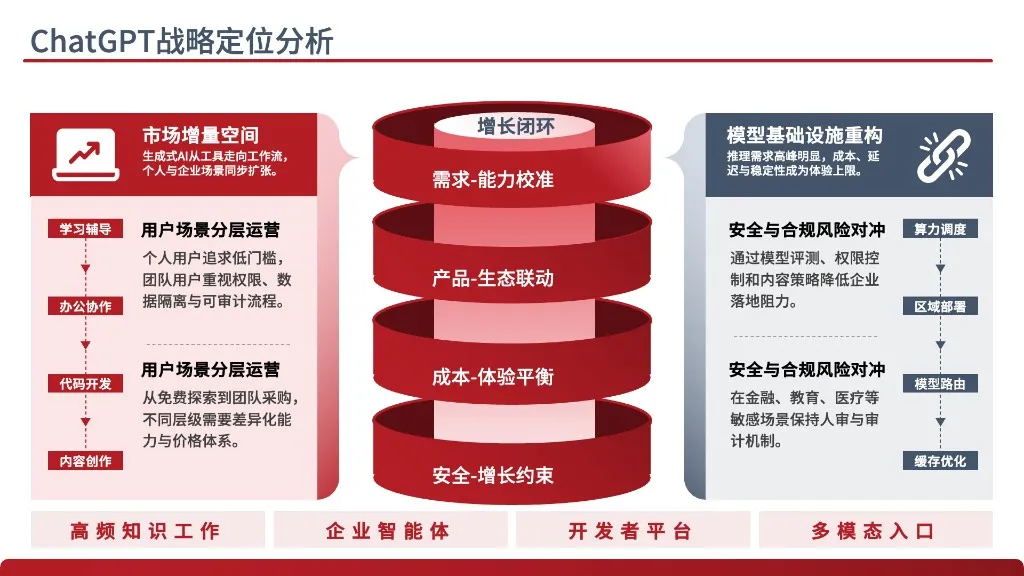
Three modes: templates first, your template, original as fallback
SKILL.md splits the work into three paths. Mode A is the default: pick from the 21 built-in templates by reading templates/INDEX.md and narrowing candidates on primary color, style and scenario, then reading each candidate's intro.md and detail.json. Template choice has a hard protocol: unless the user named a template or the agent is highly confident, it must offer exactly three candidates, each with a one-line rationale and its preview.png, plus a permanent "none of these, show another batch" option; only after candidates run out may it ask for sharper preferences or fall to Mode C. Choosing a template from fuzzy matching without showing previews is forbidden.
Mode B handles a user-supplied .pptx: render every slide to PNG with render_slides.py and look at them, probe the shape / paragraph / run structure with python-pptx on the spot, label each page by heuristics (cover / agenda / section divider / content / ending / template promo), skip promo pages such as "Daokeer / WPS / thanks for downloading", then write edits.json with explicit addresses. The user's file is never modified; output goes to a new path. Mode C is the original-design fallback: at most four elements per page, one primary color plus greyscale on white, a type ladder of 48-54 / 32-40 / 18-22 / 12-14 pt, and an explicit note that Mode C is a fallback, not the preference; when the user wants rich visuals the agent should proactively recommend templates instead.
Two JSON contracts: detail.json and edits.json
The spine of the skill is two structured files. detail.json (schema ppt-template-detail/v1) is written by the template maintainer: one entry per slide with role, layout description, use_for and cautions; each text position is a slot with a globally stable slot_id, a physical address (shape_id / paragraph / run), current_text for sanity checks, capacity fields max_chars / chars_per_line / max_lines, an editable flag and guidance for the upstream AI. Top level adds a page_roles index (cover / agenda / section_divider / content / ending), skip_pages, shape_caution_pages, data_charts and a type_scale hierarchy table.
edits.json (schema ppt-edit-spec/v1) is written by the editing agent: selected_slides lists original slide numbers in presentation order and unselected slides are deleted; each entry in edits is one replacement, preferably by slot_id (with --detail), or by explicit address plus expected_text as a check. Three constraints: order does not matter and the last entry for a slot wins; every editable=true slot must appear or placeholder text survives; editable=false decorative numerals stay untouched. Native charts ride along as chart_data entries, which build_pptx.py applies through python-pptx replace_data.
Editing iron rules: taste as decidable clauses
SKILL.md lists nine rules shared by all modes, several aimed straight at typical agent failure modes:
- Never touch layout: position, size, color, font, size and line spacing of shapes stay; only run text is replaced.
- Every placeholder must be replaced: a finished deck may not contain Question 1, Vivamus, Key Words Here or any template filler.
- max_chars is a soft reference, not a hard cap, and ellipsis truncation is banned: capacity already carries roughly 20 percent headroom, slight overflow is fine; if text is too long, rewrite it tighter, drop a bullet or pick a roomier layout, because a half sentence cut by an ellipsis looks worse than a slight overflow.
- Same-level titles keep the same font size: type_scale marks each slot's level, and shrinking one title to fit is forbidden; rewrite instead.
- Cover and ending pages follow template capability: if page_roles has no cover, start at the first content page; if no ending, close on the last content page; never impersonate a cover or invent a "thank you" slide.
- Section names echo: changing an agenda chapter name obliges matching changes on section dividers and content breadcrumbs.
In the same spirit, build_pptx.py's overflow check prints warnings without blocking the save by default; --strict refuses to save on overflow and the docs say not to use it daily, because refusing saves pushes the agent back toward truncation. Check and rule point the same way: slight overflow beats a half sentence.
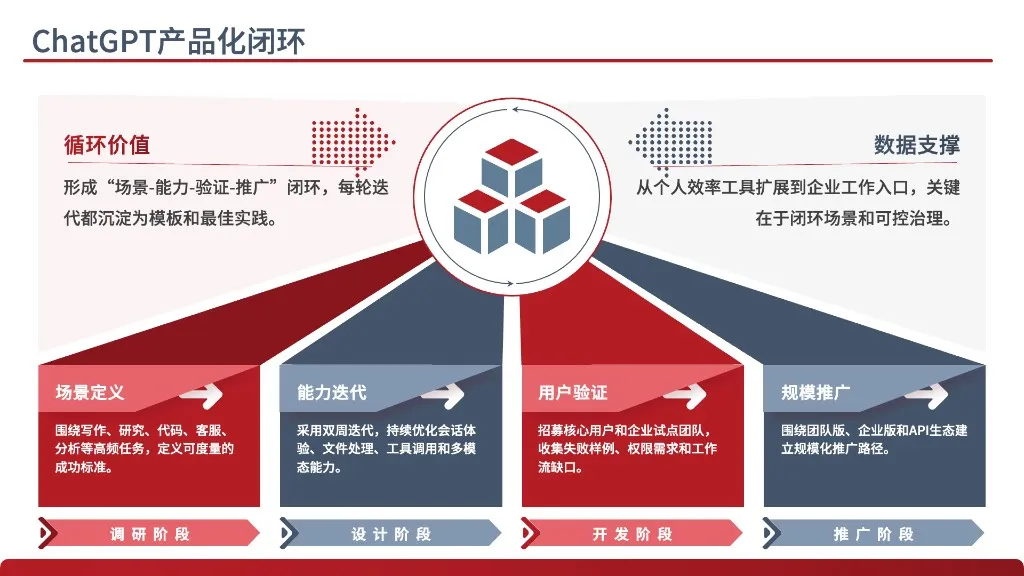
Three kinds of charts: what can and cannot change
| Form | How it is recognized | Data editable |
|---|---|---|
| Native PPT chart | shape.has_chart is True, series and categories readable | Yes, via chart_data in edits, applied with replace_data |
| Decorative shape group | Rings, flags, progress bars, arrow flows built from shapes, no chart object | Arc length and proportions cannot follow the numbers; only adjacent text changes, else pick another layout |
| Image chart | shape_type PICTURE, a screenshot or embedded png | No; keep it or replace the whole picture |
Native charts have bounds too: category count should stay within detail.json's max_categories, series count and chart type are fixed by the template, and axis ranges, gridlines and per-point colors are unsupported; those needs go to manual editing in PowerPoint or a different slide. Decorative-shape pages are named in shape_caution_pages with cautions; a data deviation up to 5 percent is tolerable, beyond that switch layout or tell the user the graphic is decorative.
Engineering shell: five scripts and software-style self-update
| Script | Role |
|---|---|
| build_pptx.py | Applies edits.json (slide selection plus text replacement) to a template; overflow warnings, --strict refuses save |
| render_slides.py | LibreOffice to PDF then pdftoppm to per-slide PNG for preview and self-check |
| compute_capacity.py | Derives per-slot capacity fields from template.pptx; only when adding a template |
| check_update.py / apply_update.py | Diff remote updates.json / download and apply only changed files |
| build_manifest.py | Rebuilds manifest.json (per-file sha256 and version ownership) |
Self-update is a rare piece of engineering discipline here: SKILL.md requires that the first tool call of any session using the skill is python3 scripts/apply_update.py, which pulls updates.json from the configured update_source (a git+ repo URL), compares VERSION and downloads only files that actually changed; manifest.json stores each file's sha256 and version so incremental updates are verifiable. The docs stress the skill never pushes updates on its own, so skipping the check risks stale rules and templates. Fonts get a deterministic answer as well: templates lean on Microsoft YaHei, and missing fonts are aliased through fontconfig to WenQuanYi Micro Hei, DengXian, Noto Sans SC or PingFang SC; the final .pptx renders with host fonts in PowerPoint, WPS or Keynote, so nothing is lost in handoff.
The 21-template matrix
INDEX.md indexes all 21 templates by color, scenario and scale: deep-blue business family (minimal-business-summary, operations-deck, report-savior, competition-speech and more), party-red family (red-patriot-youth, red-patriot-general), dense red teaching family (red-teaching-framework, red-teaching-models), thesis family (thesis-novice, thesis-formula, top-thesis), consulting maroon family (mckinsey-style, premium-corp), data-visualization family (data-viz-deck, report-massive-charts); slide counts run from 16 to 59. The docs also flag same-author overlap honestly: data-viz-deck, report-savior, operations-deck, competition-speech and the report-massive-models / charts / reports trio come from one deep-blue compilation (originally 118 slides, split), share a palette and can be mixed; when the request is vague, pick from the report-massive trio. Scenarios cover work reports, promotion defenses, thesis proposals, teaching courseware, party education, business proposals, architecture diagrams and heavy data visualization, and the README reports successful runs on DeepSeek, Xiaomi MiMo, Claude and GPT.
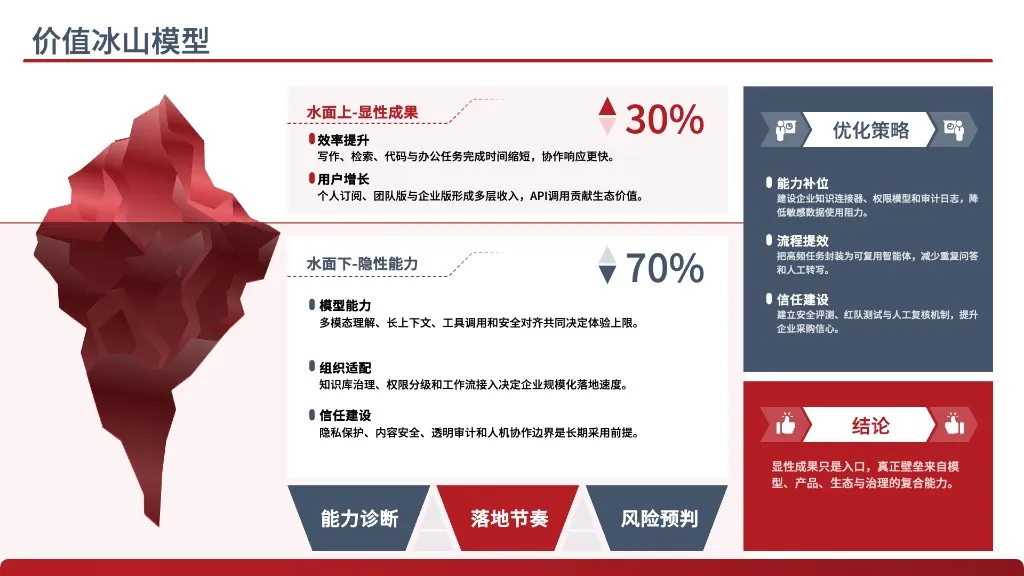
License boundary: MIT code, non-commercial templates
The repository is dual-licensed: the MIT LICENSE covers source code only (scripts/, references/ and top-level skill metadata), while templates/<slug>/template.pptx and preview.png fall under NOTICE.md. Those assets come from public Chinese template channels such as Daokeer, WPS online templates and public government template sets; copyright of the visual designs stays with the original authors. Permitted use is personal study and research plus non-commercial educational discussion; all commercial use is prohibited, including commercial presentations, sales and pitch decks, paid training redistribution, internal use at for-profit organizations, and redistribution inside paid SaaS, APIs or plugins. Commercial rights must be obtained in writing from the original template author, and the maintainer explicitly does not hold them. Anyone wiring this skill into a commercial product or a company reporting pipeline must clear the template layer first; the scripts and metadata structures are free to reuse. The boundary is stated identically at the top of SKILL.md, in README and in INDEX.
SOURCE LINKS