OPEN SOURCE DEEP DIVE
Twenty: The Open-Source Salesforce Alternative, Designed for AI
The 59k-star open-source CRM where objects, views, workflows and agents are TypeScript packages you build, ship and version; an in-CRM chatbot reads your records, autonomous agents run inside workflows, and official agent skills let coding agents build CRM apps.
What it is: an open-source Salesforce, designed for AI from day one
Twenty's entire GitHub bio is one sentence: The open alternative to Salesforce, designed for AI. As of October 2026 the repository holds 59,424 stars and 9,680 forks, the latest release is v2.50.0 (published 2026-10-21), and the code is AGPL-3.0 with a small set of files marked under a commercial Enterprise license. What you get is not a feature-locked SaaS clone but a set of CRM building blocks you can build, ship and version like the rest of your stack: objects, views, workflows and agents, all definable and replaceable as TypeScript packages.
That positioning names its reader: technical teams. The README puts the pitch on the first screen - Twenty is the CRM you build, ship, and version like the rest of your stack - so when the business changes you change code instead of waiting on a vendor roadmap. The cloud spins up a workspace in under a minute; self-hosting is a single Docker Compose; both roads lead to the same platform.
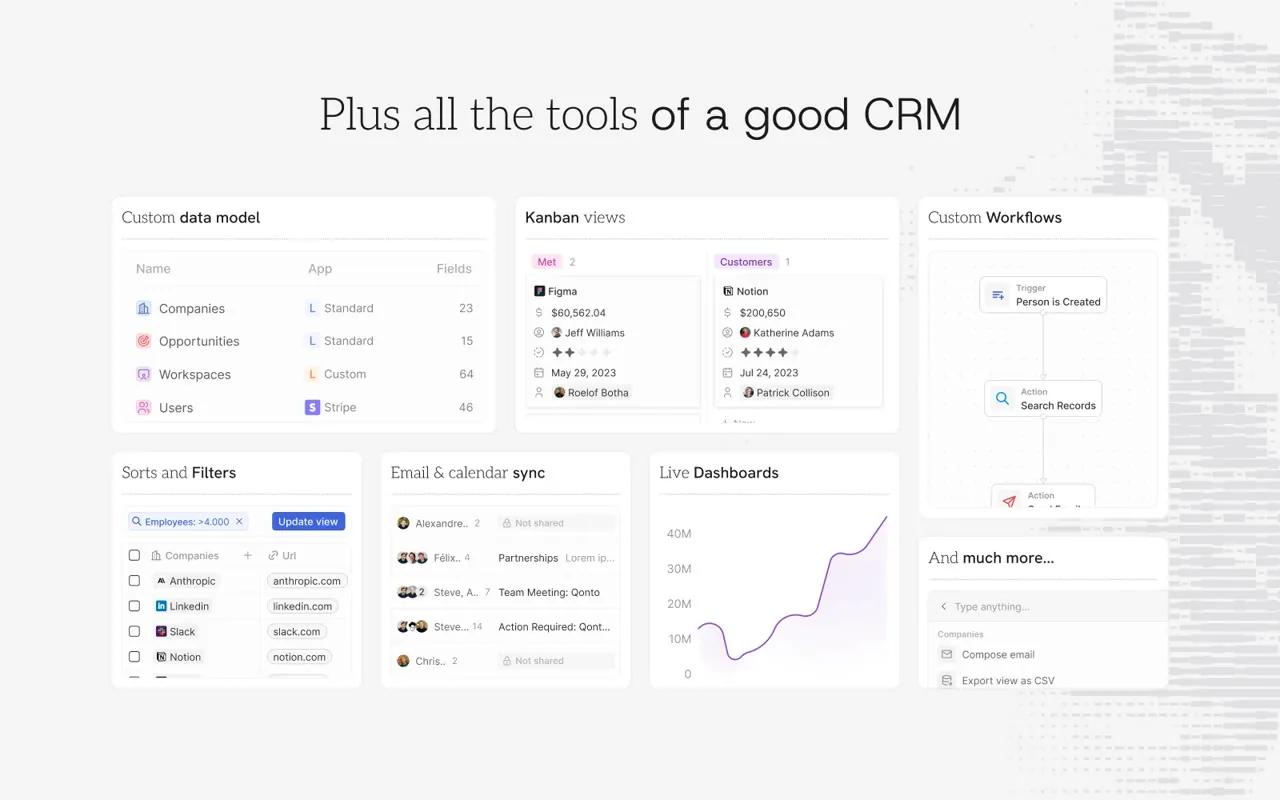
CRM as code: the SDK declares entities, build-time AST picks them up
The unit of extension is an app: a TypeScript package that declares entities with the define-family functions from twenty-sdk. Scaffold with npx create-twenty-app my-app, write defineObject({ nameSingular: 'deal', fields: [...] }) and you have a business table with typed fields; npx twenty app:publish --private pushes it to your workspace, and without the flag it goes to npm and the Twenty marketplace.
An app can declare five kinds of entity, spanning data, logic, UI and AI:
| Entity | What it does |
|---|---|
| Objects & Fields | New data tables, or fields on built-in objects, with the same treatment as built-ins |
| Logic Functions | Server-side TypeScript triggered by HTTP routes, cron schedules, database events, AI tools or workflow actions |
| Front Components | Sandboxed React components rendered into side panels, widgets and the command menu |
| Skills & Agents | AI capabilities: reusable skill instructions and autonomous agents with custom prompts |
| Views & Navigation | Pre-configured list views and sidebar entries |
There is no registration boilerplate and no config file: the build runs AST analysis over your source and picks up any export default defineObject(...) in any .ts file. When the schema changes, the typed API client regenerates automatically, so field access in app code stays type-checked.
Two sandboxes: isolated Node processes for logic, Web Workers for UI
Logic functions execute in isolated Node.js processes, sandboxed from the host - not callbacks inside the platform process. Data access goes through a typed client scoped to the app's role permissions, and permissions are enforced at the API level: an app only sees what its role allows. Long or rate-limited work is not done inline; you enqueue another logic function run and hand it to Twenty's workers, and intermediate results live in the built-in key-value store. Install, upgrade and uninstall lifecycle hooks let an app seed data, back up records and validate upgrades.
Front components do not use iframes: they run in Web Workers and render native DOM elements into the main page through Remote DOM - native-looking widgets with an isolated execution context. On the server side, a code-interpreter module with pluggable drivers and sandbox scripts carries isolated execution, so the runtime underneath logic functions can change implementation without changing semantics.
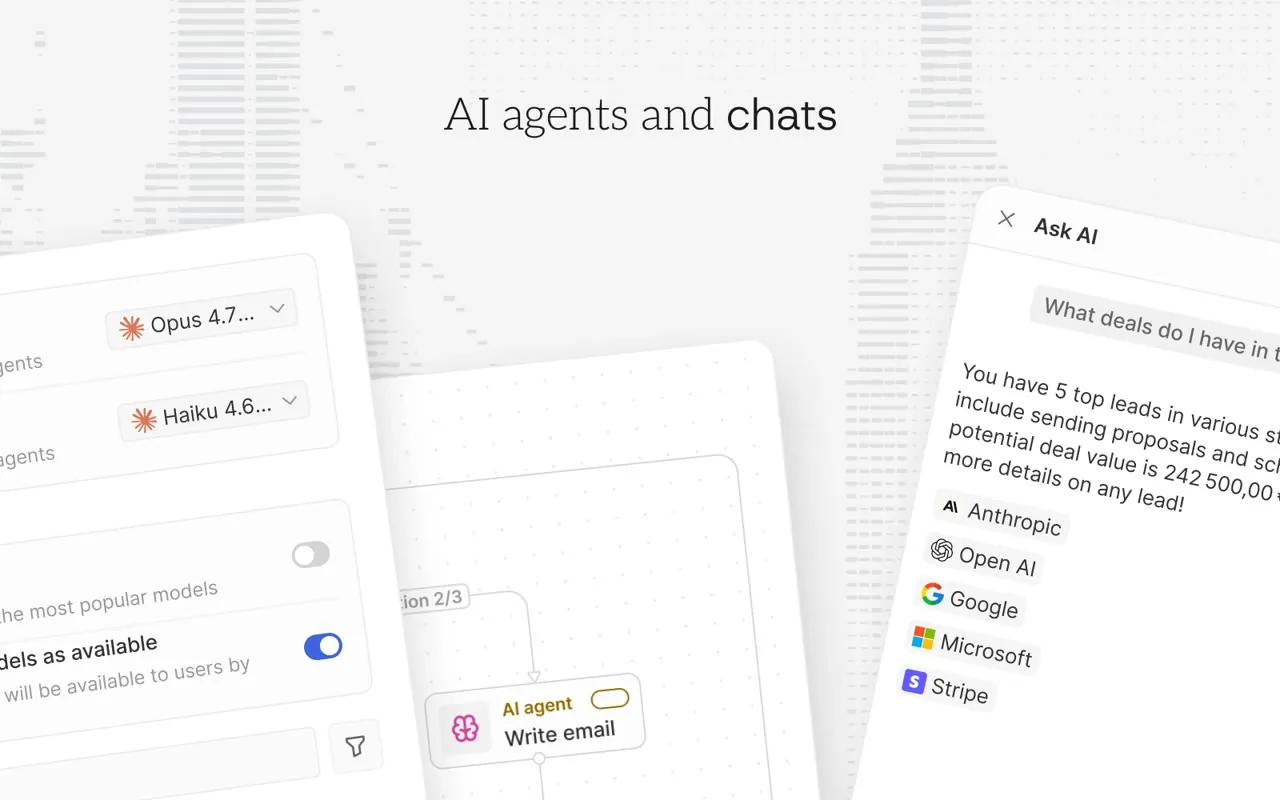
Where the AI layer lands: a chatbot, workflow agents, and a set of meta-tools
The AI chatbot is a conversational query layer over your records: natural-language questions against the whole workspace, with page-context awareness - ask about "this company" while standing on a company record and it means the record in front of you. The documentation's example prompts are the sentences a sales team actually says: which opportunities are closing this month, which deals have been in Negotiation for more than 30 days, summarize my interactions with this person.
AI agents in workflows put models inside your process: AI actions for single-step work such as enrichment, classification and summarization, and autonomous agents for multi-step tasks, both composable with manual approvals, conditional logic and external API calls in the same workflow. Custom prompts define exactly how the AI processes your data, and the permission model applies to agents unchanged: an agent only touches the objects and fields its role can see, configured per role under Settings.
Server-side, the tool-provider module hands agents a set of meta-tools: get-tool-catalog to see what is available, execute-tool to actually run it, and load-skill plus learn-tools so an agent can load and learn new skills mid-task. The tool surface is not a frozen list; it is a catalogue the agent itself can extend.
Apps can ship their own AI too: defineSkill() writes a reusable skill instruction (name, description, icon and the instruction text), and defineAgent() declares an agent with a custom system prompt. The documentation currently labels this capability alpha: it works, and it is still evolving.
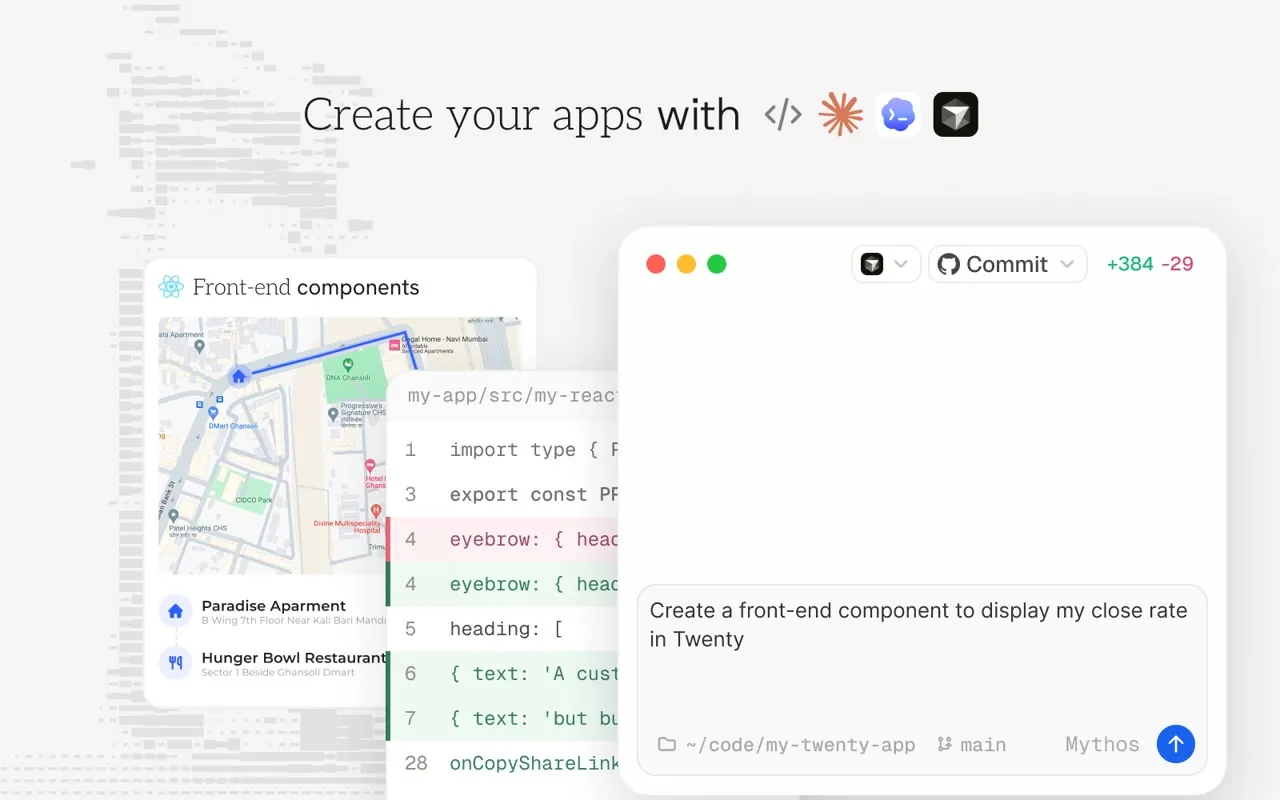
The bridge to coding agents: official skills, a Codex plugin, docs MCP
packages/twenty-agent-skills is the official harness-agnostic skill set: create-app scaffolds, develop-app modifies objects and logic, manage-app covers remotes, sync, deploys, logs and CI/CD, publish-app prepares marketplace metadata, and use-twenty-mcp connects an agent to a workspace over MCP and presents records as readable Markdown. npx skills add https://github.com/twentyhq/twenty/tree/agent-skills --list installs them into Claude Code, Codex, Cursor, Pi or any harness the skills CLI supports; the same build ships to the Codex plugin directory under the name twenty, bundling the public documentation MCP server. Skills install from the agent-skills branch, which is created by the first successful publish from main and carries only the built app skills.
The official document-generator tutorial makes the layering concrete: write a logic function that generates a document, expose it as both an AI tool and a workflow action, then let an agent call that tool from chat so "produce a document" becomes one delegated task. The same server-side code is simultaneously a CRM feature, an AI tool and an agent exit - that is what "designed for AI" means in engineering terms here.
| Skill | Use it for |
|---|---|
| create-app | Scaffold a new Twenty app |
| develop-app | Add or modify objects, fields, logic functions, layouts, front components, workflows |
| manage-app | Remotes, sync, build, deploy, logs, troubleshooting, CI/CD |
| publish-app | README, marketplace metadata, logos, screenshots, public assets |
| use-twenty-mcp | Connect to a workspace over MCP and present records as readable Markdown |
Engineering base and deployment shapes
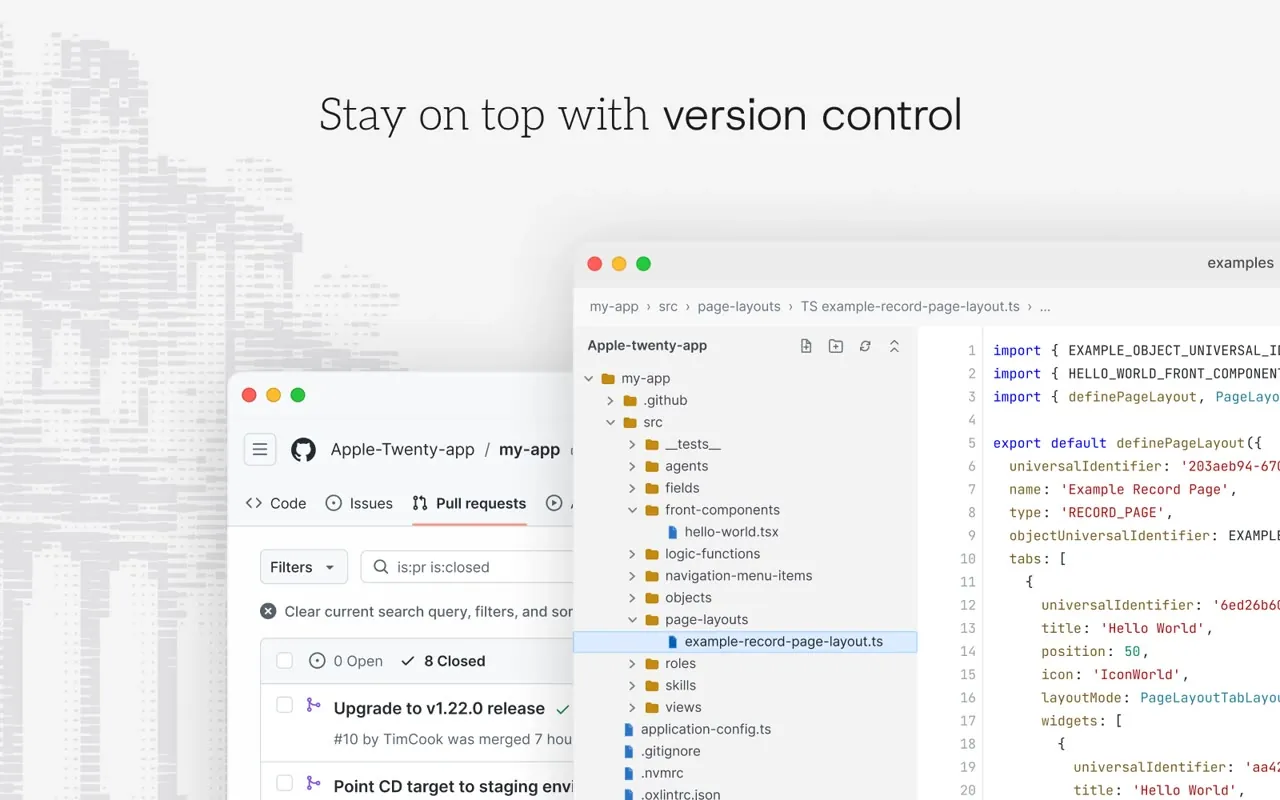
A TypeScript monorepo orchestrated by Nx; the server is NestJS with BullMQ queues, PostgreSQL storage and Redis caching; the front is React with Jotai state, Linaria styles and Lingui i18n. In development the CLI watches your source and live-syncs to a running server, so an edit shows up in the UI within a second; integration tests run against a real Twenty server and CI templates ship in the box. Deployment comes in three shapes - cloud, Docker Compose self-hosting, and a local contribution setup - all from the same codebase.
Why it belongs in the office section
A CRM is the office system of record for a sales team: customers, opportunities, email, calendar and tasks all live there, and most of the day's office motions pass through it. Twenty's move is to embed AI inside that system's data model and permission model - the chatbot reads the records you can see, agents run inside workflows you approved, app code runs sandboxed with a role - and then to let coding agents join the build through official agent skills. Next to the document-generating office suites in this section, it marks the other end of AI office work: not one more file produced, but the system where business data lives becoming conversational, actionable and extensible by agents. That is the missing open-source coordinate for AI in the office mainline.